
 Refer the Docs

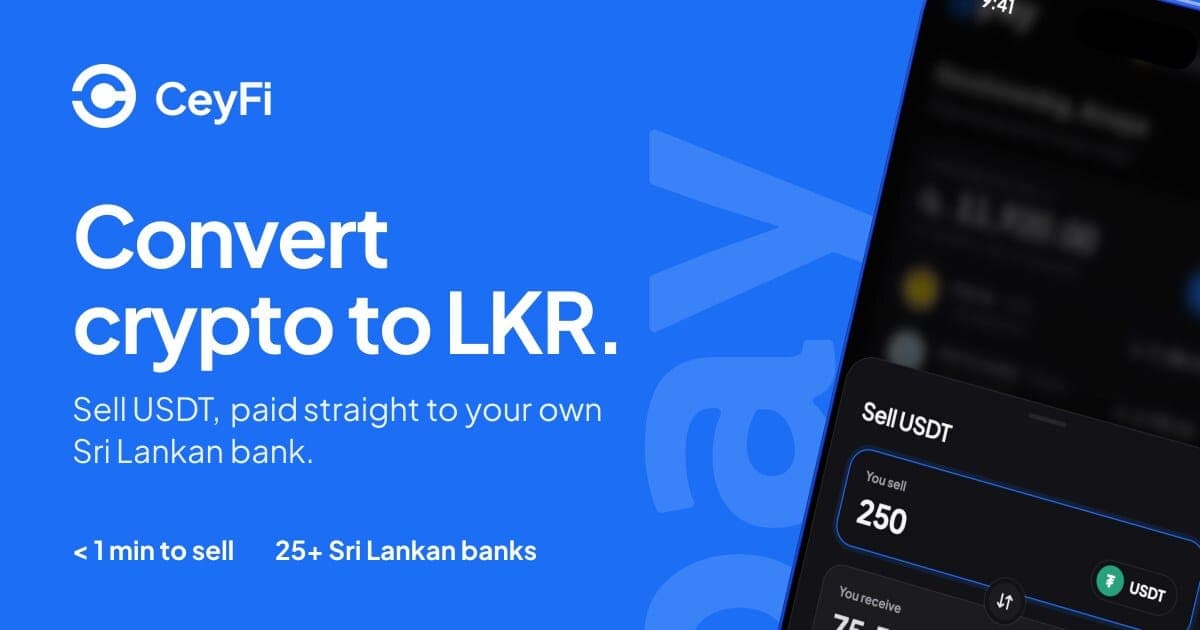
TL;DR: Today we're launching CeyFi (CeyPay Finance), the everyday app for crypto users in Sri Lanka. If you hold crypto on CEXs like Binance, Bybit or KuCoin, CeyFi is the one app you need to pay your bills, cash out crypto straight to your own bank account and send rupees to friends, all settled in LKR. CeyFi is free to try at fi.ceypay.io.
Over the past year, CeyPay has helped Sri Lankan businesses accept crypto and get paid in rupees. Cafés, hotels and online stores now take payments through Binance Pay, Bybit Pay and KuCoin Pay, with every sale settled to a local bank account.
But the people paying those merchants have a problem of their own. More and more Sri Lankans earn, save or receive money in crypto. Freelancers get paid by clients abroad, families receive support from relatives overseas, and many people simply keep part of their savings in stablecoins. Turning that balance into something useful at home usually means P2P trades with strangers, waiting on transfers and checking every step yourself.
CeyFi is built to fix that. It's one everyday app for crypto users, where the crypto you already hold works like money at home: for bills, for your bank account and for the people you pay. CeyPay is for businesses. CeyFi is for you.
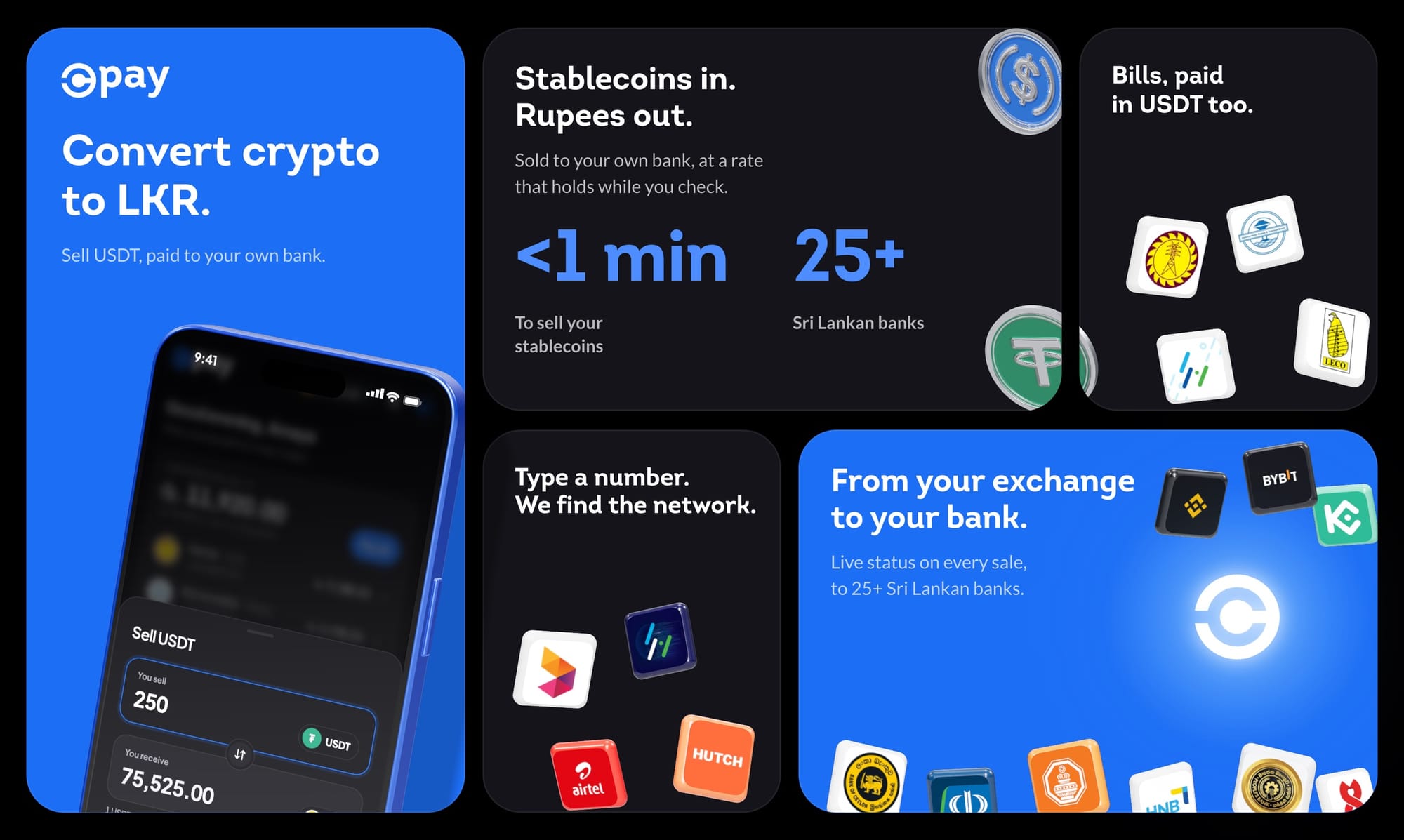
Pay your bills from your exchange balance
CeyFi covers the bills most households pay every month: electricity (CEB and LECO), water (NWSDB), mobile reloads for Dialog, Mobitel, Hutch and Airtel, plus internet, TV, insurance, finance companies, and taxi and driver wallets.
Type a phone number and CeyFi finds the network for you. Save the accounts you pay often, pay several at once, and CeyFi checks your saved billers every morning so you know when something is due. Bill payments and reloads are free, and you don't even need an account to pay one.
Cash out USDT, paid straight to your bank
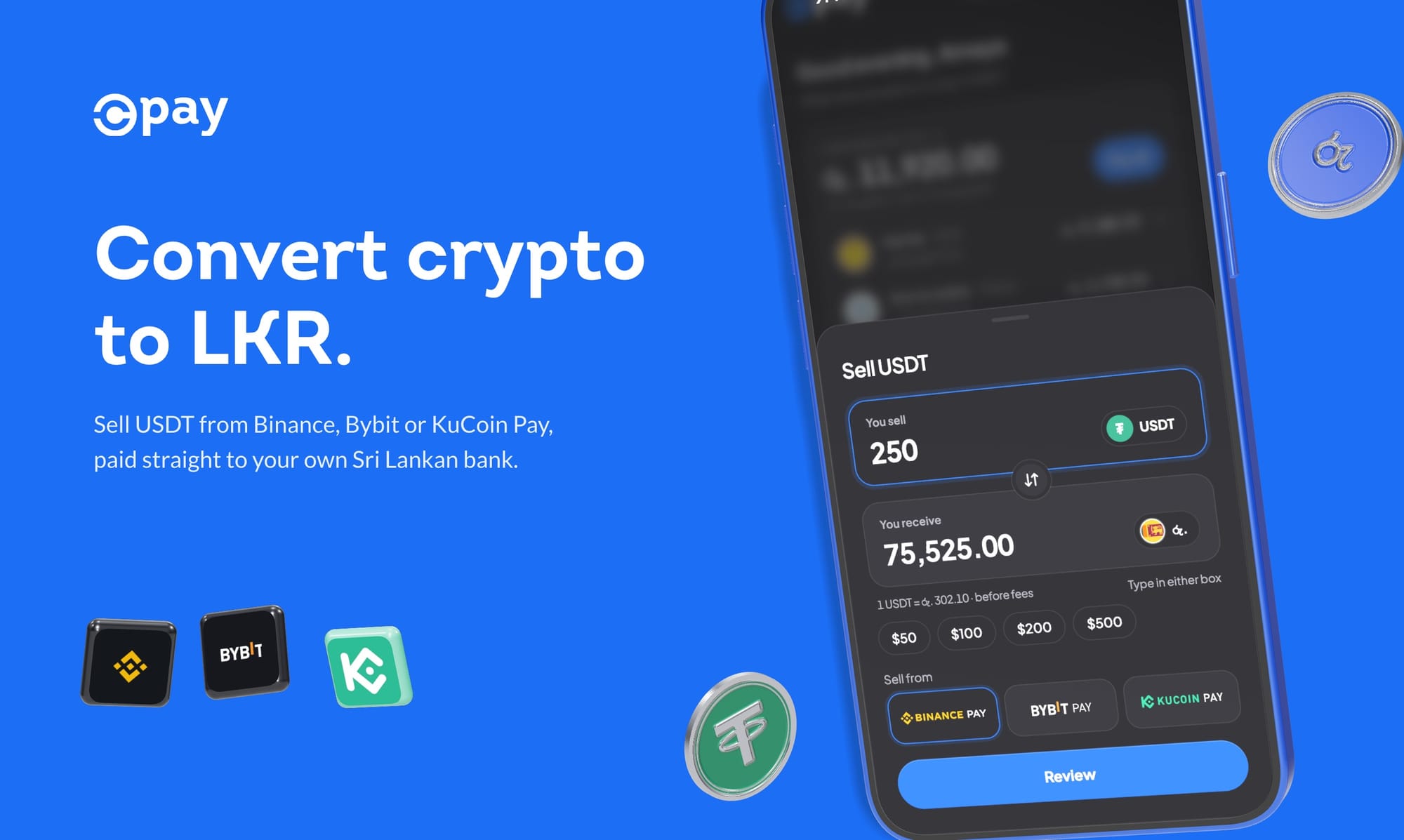
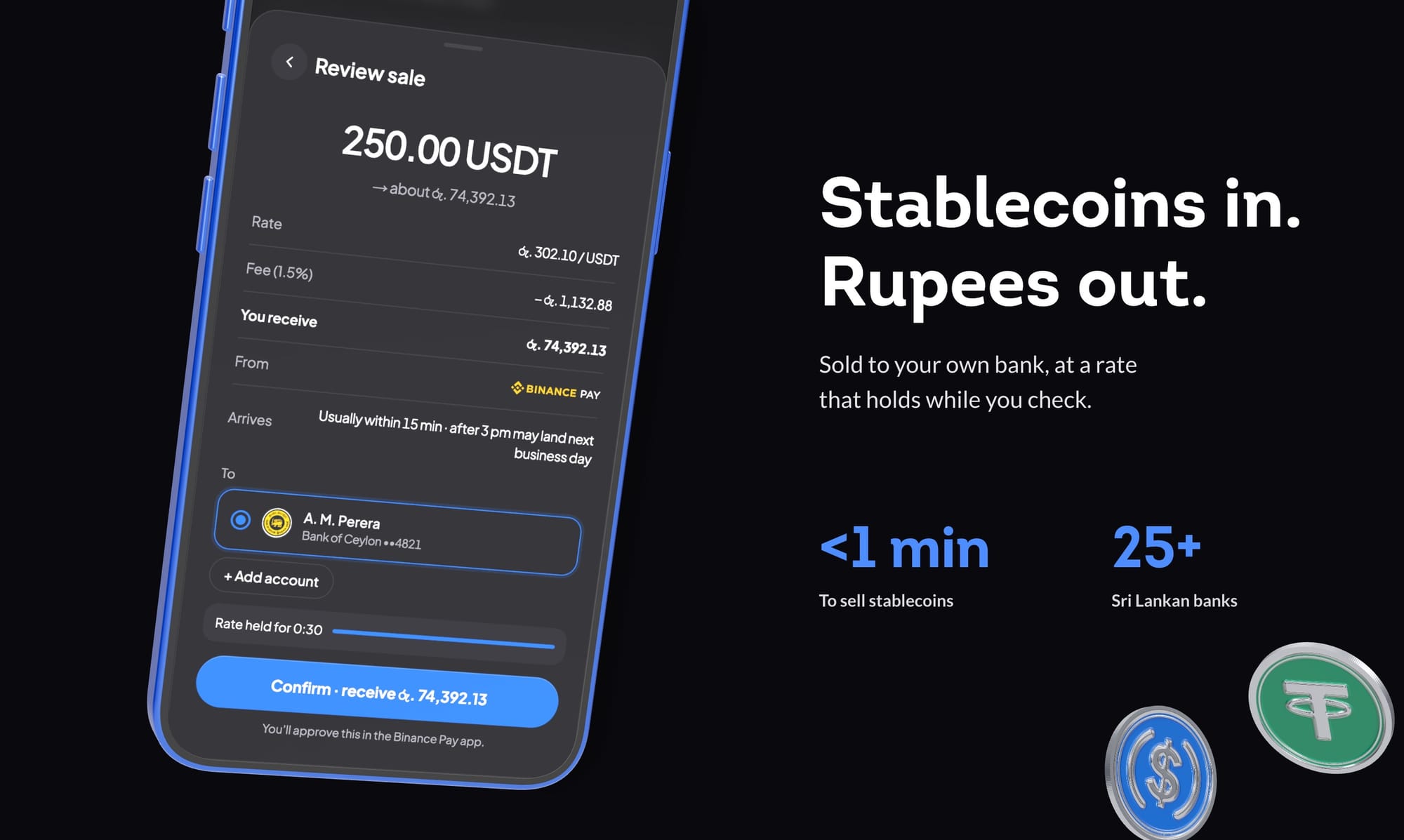
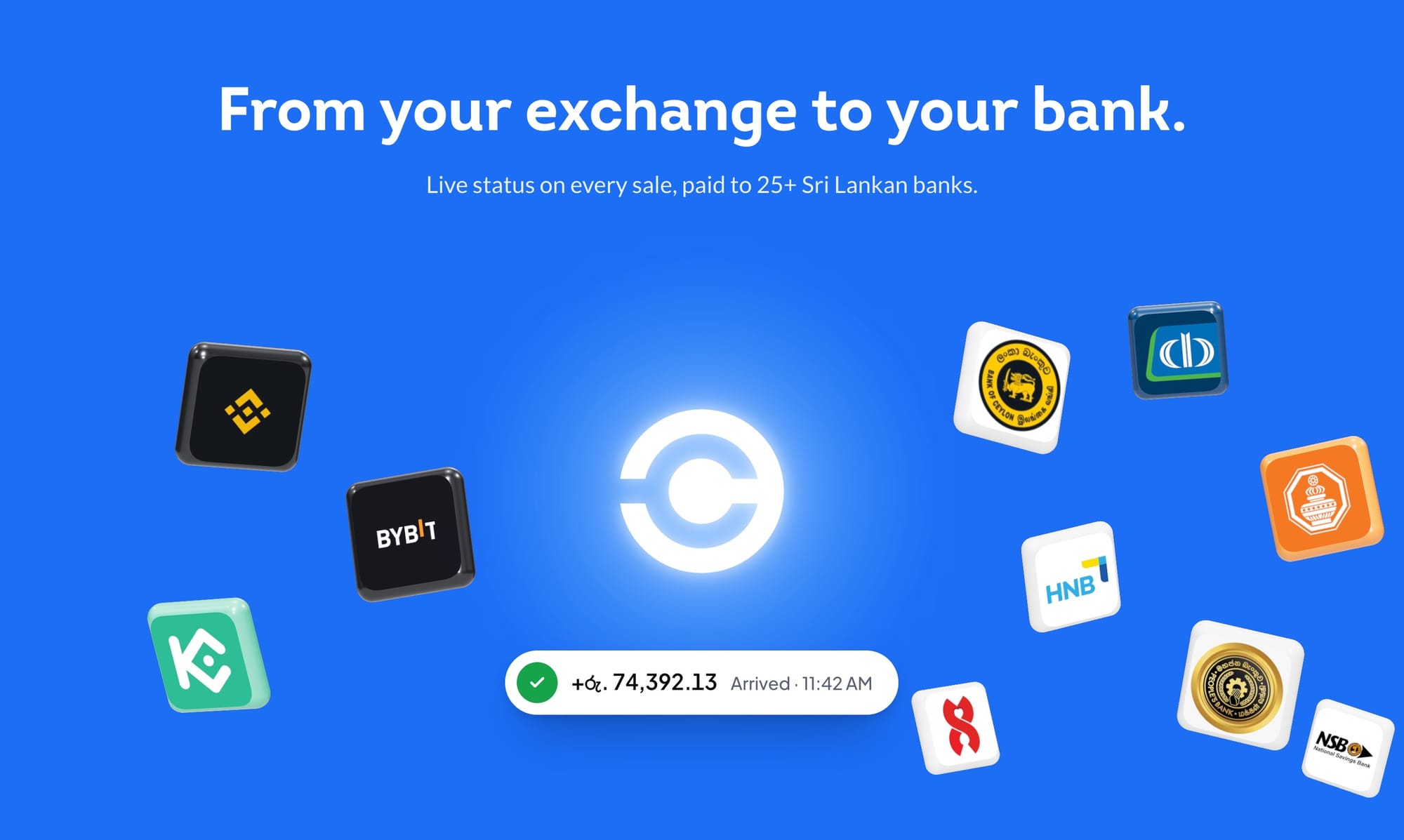
Cashing out takes three simple steps: enter how much USDT you want to cash out, pick Binance Pay, Bybit Pay or KuCoin Pay, and approve the payment in your exchange app. That's it. The rupees go straight to your own bank account, with more than 25 Sri Lankan banks supported.
Before you confirm, CeyFi shows the rate, the fee and the exact amount you'll receive, and holds that rate for 30 seconds while you check. The rate you see is the rate you get. Payouts arrive instantly, and you can follow every cash-out live in the app.
Send rupees to anyone on CeyFi
Claim your own @username and choose a verified bank account to receive money. Friends and family can then send you rupees from their exchange balance, and it lands in your bank, not in yet another app.
- Friends: a chat-style history with each person you send money to and from.
- Pay-me links: share one link and anyone on CeyFi can pay you.
- Claim links: send money to anyone, even someone who isn't on CeyPay yet, with a link and a separate code to unlock it.
Pay in one tap with Binance Direct Debit
Approving every payment in your exchange app gets old quickly. Turn on Binance Direct Debit once, set your own limit per payment, and pay bills in one tap after that. Prefer to approve each payment yourself? One-time approval is always there too.
Binance is live today, with more exchanges coming soon.
An app, without the app store
CeyFi runs in your browser and installs like a native app. Open fi.ceypay.io on your phone, add it to your home screen, and it opens full screen with its own icon. There's nothing to download from a store, and it stays up to date on its own.
Sign in with your mobile number, a passkey, email, Google or Apple. Every cash-out, transfer and bill payment shows up in Activity with a PDF receipt, and you can download statements whenever you need them. Paying in public? Put your phone face down and your balances hide automatically.
Fees and limits
- Bill payments and reloads: free.
- Cashing out USDT or sending money: a small fee, shown on every quote before you confirm.
- Exchange fees: set by Binance, Bybit or KuCoin.
- Limits: per cash-out and daily limits depend on your verification level. You can see yours anytime under Fees & limits in the app.
Built to be safe
Identity checks are handled by Didit, and cashing out USDT or adding a bank account requires a verified account. Every account goes through AML, counter-terrorist financing and sanctions screening.
We will never ask for your private keys, one-time codes or passkeys. If anyone does, it isn't us. Report it to our support team straight away.
What's next
We're adding more exchanges for direct funding, and working on a way to buy USDT with rupees straight from your bank. We'll share more as each one is ready.
Get started with CeyFi
- Open finance.ceypay.io on your phone and add it to your home screen.
- Sign in with your mobile number, a passkey, email, Google or Apple.
- Pay your first bill right away, or verify your identity and add your bank account to cash out USDT and receive money.
CeyFi is available today across Sri Lanka. We're also launching on Product Hunt today, and we'd love your support and feedback there.
Support our launch on Product Hunt.
Frequently asked questions
Do I need an account to pay a bill?
No. You can pay bills and reloads as a guest. You'll need an account, and a verified identity, to cash out USDT, add a bank account or receive money.
How long does a payout take?
Instantly. Rupees land in your bank as soon as you approve the payment.
Which exchanges can I pay from?
Binance Pay, Bybit Pay and KuCoin Pay. Direct Debit is available with Binance today.
Where can I get help?
Open Help in the app, or email us at [email protected].